Turning my Rabbit R1 into a real Android phone
flashing AOSP 13 on the R1, the charge-only cable that ate my evening, and finding the camera motor in sysfs
TL;DR
The Rabbit R1 is just a MediaTek Android 13 device wearing a costume. You can flash AOSP on it. But flash the whole firmware set, not just
system— and check your USB cable before you debug anything else.
The thing has been sitting on my desk
The R1 is a cute orange box that mostly wants you to talk to it. Underneath it’s a MediaTek MT6765 (Helio P35), board k65v1_64_bsp, running Android 13 with a Flutter app on top — an Android device that won’t let you be an Android user. Annoying enough to fix on a weekend.
I went in expecting to fight the bootloader. That turned out to be wrong, but I didn’t find out for hours — see below.
Two hours on a USB cable
Nothing showed up — not in lsusb, not in adb, not in dmesg. Device off, device on, device booted, device at the bootloader warning. Nothing, in every state.
I burned an embarrassing amount of time on it: unloaded kernel modules, disabled ModemManager, wrote udev rules, even ran a USB watcher polling every 100ms in case a one-second enumeration window was slipping past.
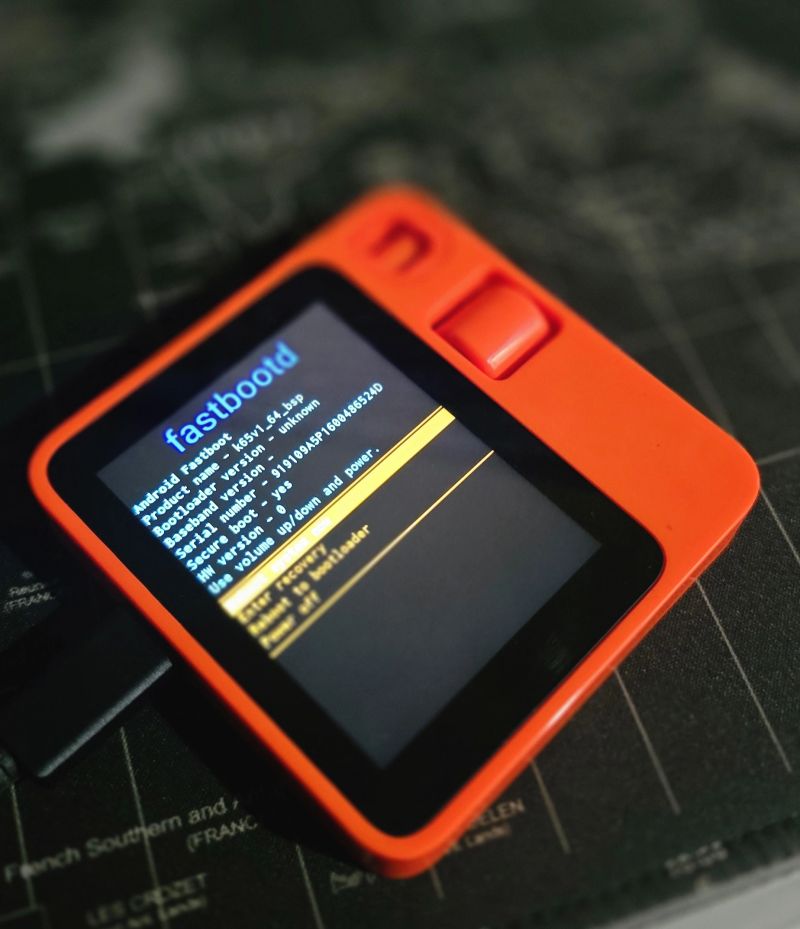
It was a charge-only USB-C cable. Swapped it and the device appeared instantly — already in fastboot, already unlocked:
Bus 003 Device 007: ID 0e8d:201c MediaTek Inc. Android
919109A5P1600486524D    fastboot
The lesson isn’t “check your cable” — everyone says that. It’s that a device charging fine tells you nothing about whether its data lines work. If you get zero enumeration in every device state, stop theorizing about kernel modules and go plug a phone into that same cable.
Also worth owning: mtkclient kept printing
Preloader - [LIB]: Status: Handshake failed, retrying...and I read “Preloader” as it found the preloader. It’s just the logger name — the class emitting the line. The tool was retrying against nothing at all, and I confidently told myself the cable was proven fine off the back of that. It wasn’t.
No volume buttons, so no fastboot combo
The R1 has a scroll wheel and one side button — no vol-up/vol-down dance into fastboot. What works is mtkbootcmd.py from r1_escape. The R1’s preloader exposes a serial port (0E8D:2000), answers READY, and waits for an ASCII command:
sudo modprobe cdc_acm        # you need /dev/ttyACM0 for this
python3 mtkbootcmd.py FASTBOOT
# then power the device fully off and plug it in
Found /dev/ttyACM0 with description: MT65xx Preloader - CDC ACM Communication Interface
Got port: /dev/ttyACM0
b'FASTBOOT' cmd sentThat READY exchange is how you reach fastboot on a device with no button combo, and once I had it, fastboot entry became reliable and the rest of the job stopped being scary.
One correction I owe here, because I got it wrong mid-job. Before the cable was fixed I’d watched mtkclient fail its handshake over and over, and concluded the R1 must not speak standard MediaTek at all. That was almost certainly nonsense: every one of those attempts happened with the dead cable still plugged in, so the tool was failing against nothing — same root cause as everything else that evening. r1_escape’s own scripts drive the R1 with mtkclient quite happily, which should have been my clue. I never retested it after swapping the cable, so treat “the R1 needs its own protocol” as unproven. What I can say is that mtkbootcmd.py works, and it’s what you want for button-free fastboot entry.
The first flash failed
Bootloader already unlocked, so I went straight at it:
fastboot flash --disable-verity --disable-verification vbmeta vbmeta.img
fastboot -w
fastboot reboot-fastboot
fastboot flash system system.img
fastboot reboot
Every command returned OKAY. The device rebooted into the orange “unlocked and can’t be trusted” screen — and stayed there. I watched it for ten minutes, assuming first boot just takes a while.
It doesn’t. The orange warning should clear in 5–10 seconds. Still there after thirty, and it isn’t booting — waiting won’t help.
The actual problem: of the partitions that have to agree with each other, I’d flashed only system and left boot and vendor untouched. The GSI was built 2024-06-05; my device’s bootloader was built 2024-10-26, and the vendor partition still on the device came from that newer firmware. Android won’t boot a mismatched system/vendor pair — r1_escape issue #26, and I walked straight into it. fastboot getvar version-bootloader had printed that date before I started; I just didn’t think to compare it against the image.
The fix: flash everything from one build
Rabbit publishes full factory firmware on GitHub — more than most vendors do: github.com/rabbit-hmi-oss/firmware. I grabbed v0.8.293 and flashed a complete, self-consistent set instead of one partition from one era on top of another:
# stock kernel first
fastboot flash boot boot.img

# ALL THREE vbmeta, not just the top-level one
fastboot flash --disable-verity --disable-verification vbmeta vbmeta.img
fastboot flash --disable-verity --disable-verification vbmeta_system vbmeta_system.img
fastboot flash --disable-verity --disable-verification vbmeta_vendor vbmeta_vendor.img

# super carries system + vendor + product + system_ext together
fastboot flash super super.img

# now the GSI goes on top of a matched vendor
fastboot reboot-fastboot
fastboot flash system system.img
fastboot reboot
Booted in 30 seconds this time, with Play Store, GMS and GSF all present:
sys.boot_completed = 1
mCurrentFocus = com.google.android.setupwizard/.user.WelcomeActivity
ro.build.flavor = gsi_r1-userdebug
ro.build.version.release = 13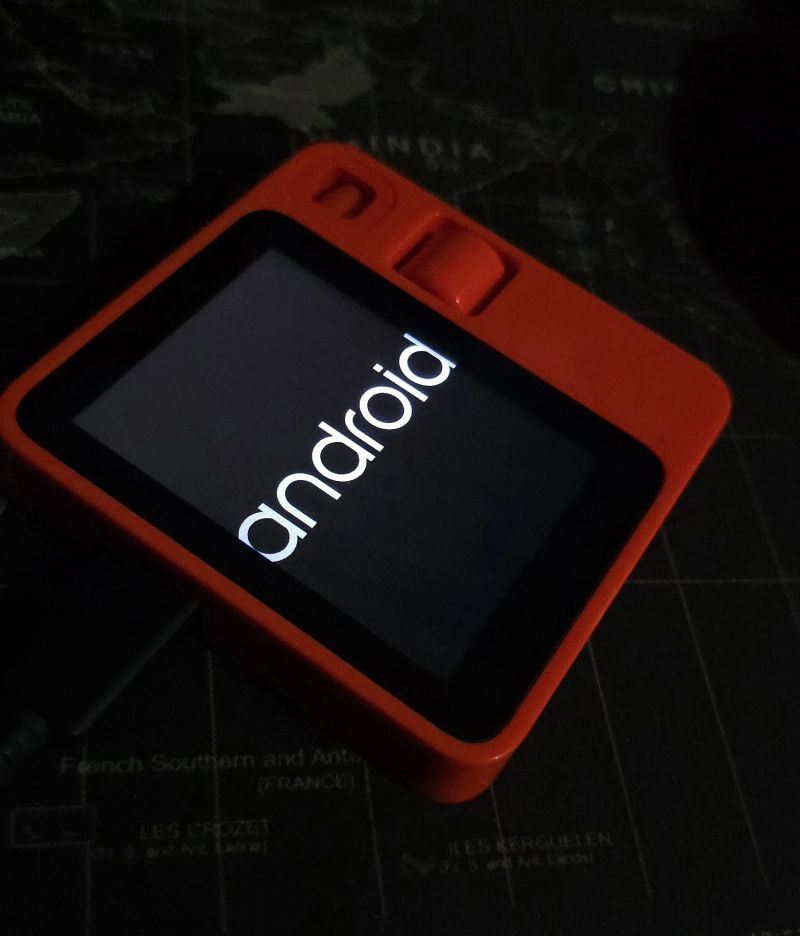
Two gotchas worth stealing: keep the stock boot.img — system and vendor are logical partitions inside super, so writing them needs fastbootd (fastboot reboot-fastboot, confirm with getvar is-userspace: yes), and fastbootd lives in the boot image. A custom boot image can quietly cost you the ability to flash anything else. And flash all three vbmeta partitions — I only did the top-level one on attempt one; fastboot prints Rewriting vbmeta struct for just that one, which isn’t a sign the other two failed.
The camera looked broken, and wasn’t
After boot, the swivel camera — the “rabbit eye” — sat folded inward and wouldn’t move. On stock rabbitOS the scroll wheel rotates it in vision mode; on AOSP nothing drives it. The motor and driver survived the flash fine — only rabbit’s userspace software was gone. It’s sitting right there in sysfs:
cat /sys/devices/platform/step_motor_ms35774/orientation   # 90
echo 0   > /sys/devices/platform/step_motor_ms35774/orientation
echo 180 > /sys/devices/platform/step_motor_ms35774/orientation| value | position |
|---|---|
90 | parked, lens physically blocked — the power-on default |
0 | rotated one way |
180 | rotated the other way |
270 clamps to 180. And 90 being the default is exactly why the camera looks dead on a custom ROM — it boots into the privacy position and nothing tells it to leave. Only one camera is exposed to Android (Number of camera devices: 1), reported front-facing, so apps can’t “flip” cameras — you physically rotate the one there is.
What I haven’t solved yet
I want to rotate the camera from the device, not from my laptop over adb.
The node is mode 0777, which looks like an open door, but it carries its own SELinux type, sysfs_motor, and I haven’t been able to confirm an ordinary unprivileged app is allowed to write it. Every test was inconclusive for a different reason: su <uid> changes the UID but not the SELinux domain, runcon can’t exec the system shell from an app domain, Termux refused RUN_COMMAND until allow-external-apps was set, and then Android blocked the background service start.
What I do know: a widget executed my script in the real untrusted_app_27 domain, and the motor didn’t move — no denial in dmesg either, which smells like a silent dontaudit refusal. So: unresolved, and I’d rather say that than publish a tidy ending. Root via Magisk is the obvious fallback if it turns out to be necessary.
From a laptop it’s a non-issue, since adb runs as root on a userdebug build:
adb shell "echo 180 > /sys/devices/platform/step_motor_ms35774/orientation"Was it worth it
Yes. It’s a pocket Android device with a good screen, a scroll wheel, and a camera on a motor I can drive from a shell. The R1 hardware was never the problem.
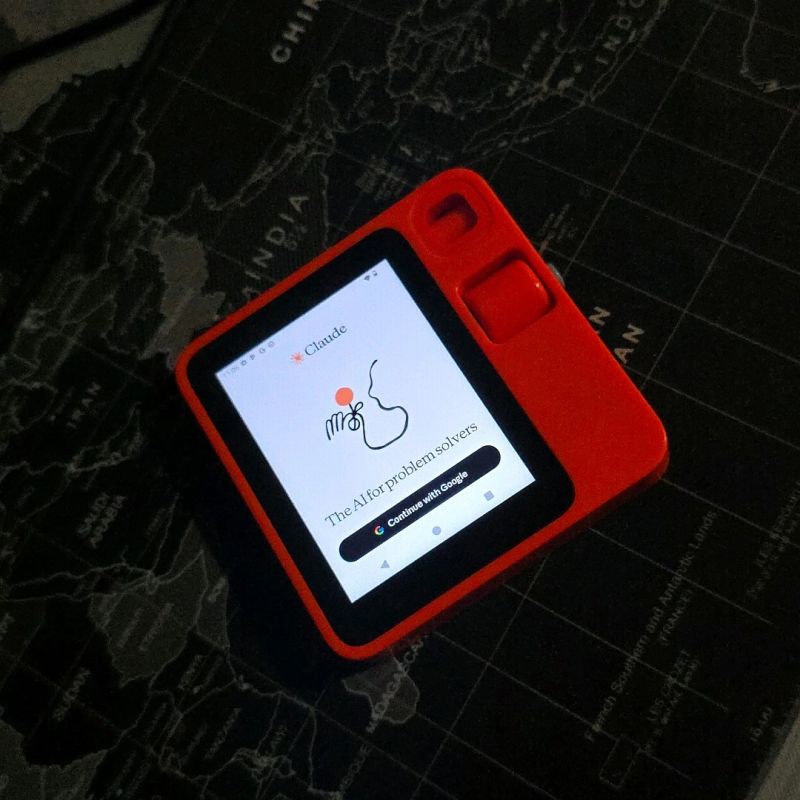
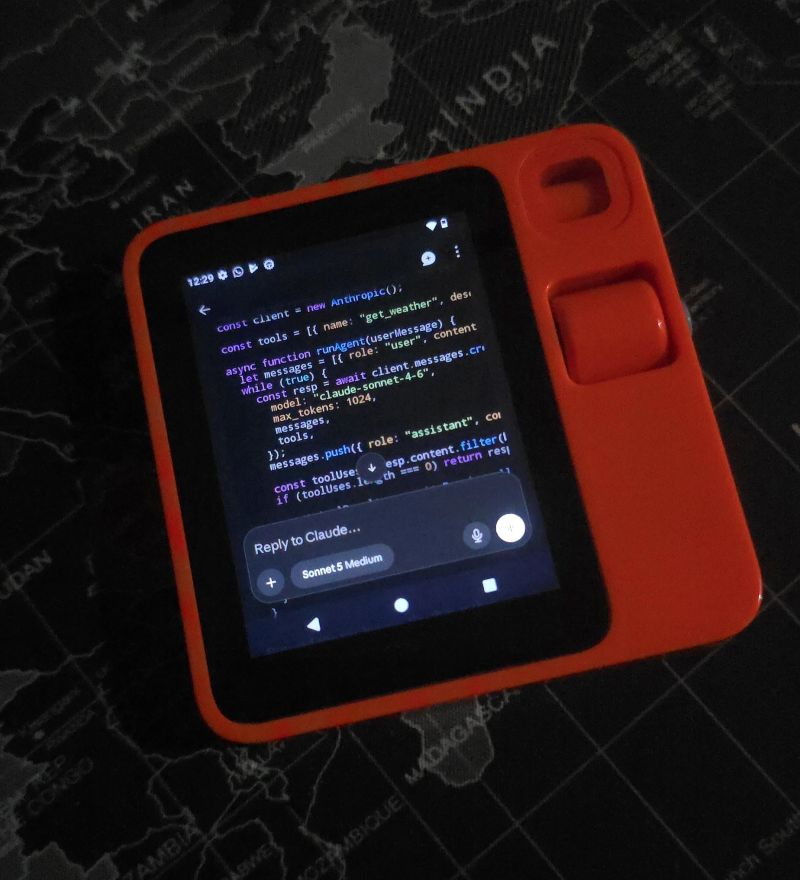
The whole point was to get here: the stock OS never let me run what I actually wanted, and now it does.
The meta-lesson cost more than any of the flashing: verify the boring physical layer before you build a theory on top of it. I had an elaborate, internally consistent theory involving kernel modules and USB interface claiming. The answer was a cable with no data lines in it.